iNaturalist and the Fraser Valley Conservancy

iNaturalist is an immensely popular online platform. It allows you to learn about nature and connect with other naturalists by recording and sharing what species you see. Available as both an app and a website, iNaturalist allows for the sharing of valuable conservation data. To date, over 250 million verified observations have been made from across the globe.

Here at the Fraser Valley Conservancy, we have learned the value of this online resource and encourage anyone with an eye for photography or a passion for nature to give it a try!

If you already have experience with iNaturalist, click on the button below to view the FVC’s projects on the platform, and start sharing right away!

Why you should use iNaturalist

Provides benefits to science and the FVC!

  • Helps with species and habitat conservation by raising awareness about the nature around us
  • Data is used by experts to help with species and land-management decision-making
  • Is a valuable resource for several of the FVC programs

Provides benefits to you!

  • Connects you with others that love nature
  • Is interactive and FUN!
  • Get to know what plants and animals live in your area
  • Helps you plan outdoor expeditions

How you can use iNaturalist

iNaturalist is a relatively simple platform to learn (both through its app and website). However, there are a few steps you have to follow. All you need to do is get a photo, or sound clip of life in the wild, then upload it with your suggested identification. If you are unsure about the identification, iNaturalist has ways to help. To learn more about how to do this, click on the buttons below.

By following these iNaturalist guides, you can get out there and start observing as soon as possible!

How you can take useful photos

Taking the perfect photo to upload to iNaturalist isn’t essential. However, knowing a few tips can help you take better photos to help with species identification.

  • Multiple pictures help with identification! If it’s a rare or hard to identify species, upload multiple shots from different angles.
  • For amphibians, especially frogs, try to get one of the top and side of the animal
  • For snails, a picture of the bottom of the shell as well as the side is most useful
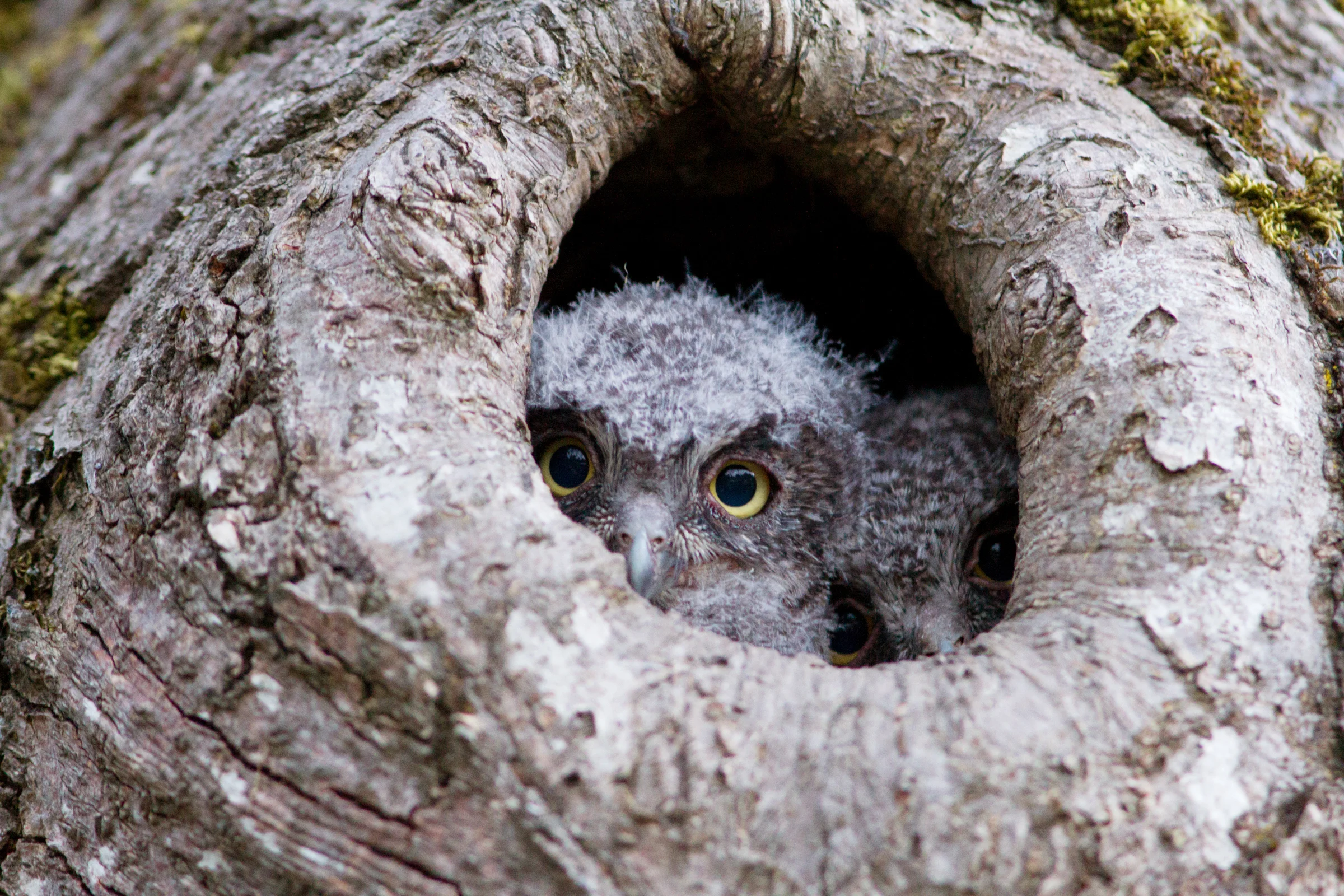
  • For owls, you want to get the face and wings
  • For reptiles, a close up shot of the face and a full body shot is ideal
  • For plants​, the leaves, fruit, flowers and bark all provide valuable information
  • In summary, for any species, try to capture their identifying features!

Join the FVC's iNaturalist Projects

What are ‘Projects’ in iNaturalist?

  • Allows organizations and individuals to collect specific data
  • Focused on a specific area or species
  • Can automatically collect observations or require specific uploads

Ryder Lake Biodiversity Project

  • Help us find what species are living in the Ryder Lake community in Chilliwack
  • All species are welcome as observations 
  • Join the project as a member in order to submit observations

Frog Finders Project

  • The FVC has a Frog Finders iNaturalist project alongside our standalone Frog Finders program
  • See any amphibian in the Fraser Valley? Submit it to iNaturalist!
  • Open to everyone

Discover Three Creeks Project

  • This project shares information we gather when working on our Three Creeks property in Abbotsford
  • We are collecting this information to demonstrate how even a small strip of forest supports biodiversity
  • Neighbours are encouraged to share what wildlife they see in their backyards as well

And now a bit about ethical use...

Remember that using iNaturalist is about helping protect the species

  • Stay respectful of your subjects
  • Remain on paths and trails when possible
  • Avoid handling animals or picking plants
  • A good zoom lens on a camera can help get good photos while remaining at a safe and respectful distance

Location privacy also protects species

Location information for certain species is automatically concealed (referred to as ‘Obscured‘) from other users.

iNaturalist will add this feature to certain species for various reasons, in particular if a species is at risk of:

  • Disturbance, collection, or intentional harm

​You can also set any of your observation locations to be obscured manually or even made completely private.

If you still want scientists to be able to access your data for conservation, make sure you are using the Canadian version of iNaturalist. Scientists affiliated with the iNaturalist.ca Steering Committee will then be able to see the accurate locations (which will remain obscured for everyone else).

If you want to learn more details about this go to the iNaturalist help page on geoprivacy.